STUDENTS
Some students can explain an answer perfectly out loud, then struggle to get it onto the page. Speech Recognition Cloud turns spoken answers into accurate, punctuated text in Word, Google Docs, and any Windows application.
No credit card required. Windows 10/11.
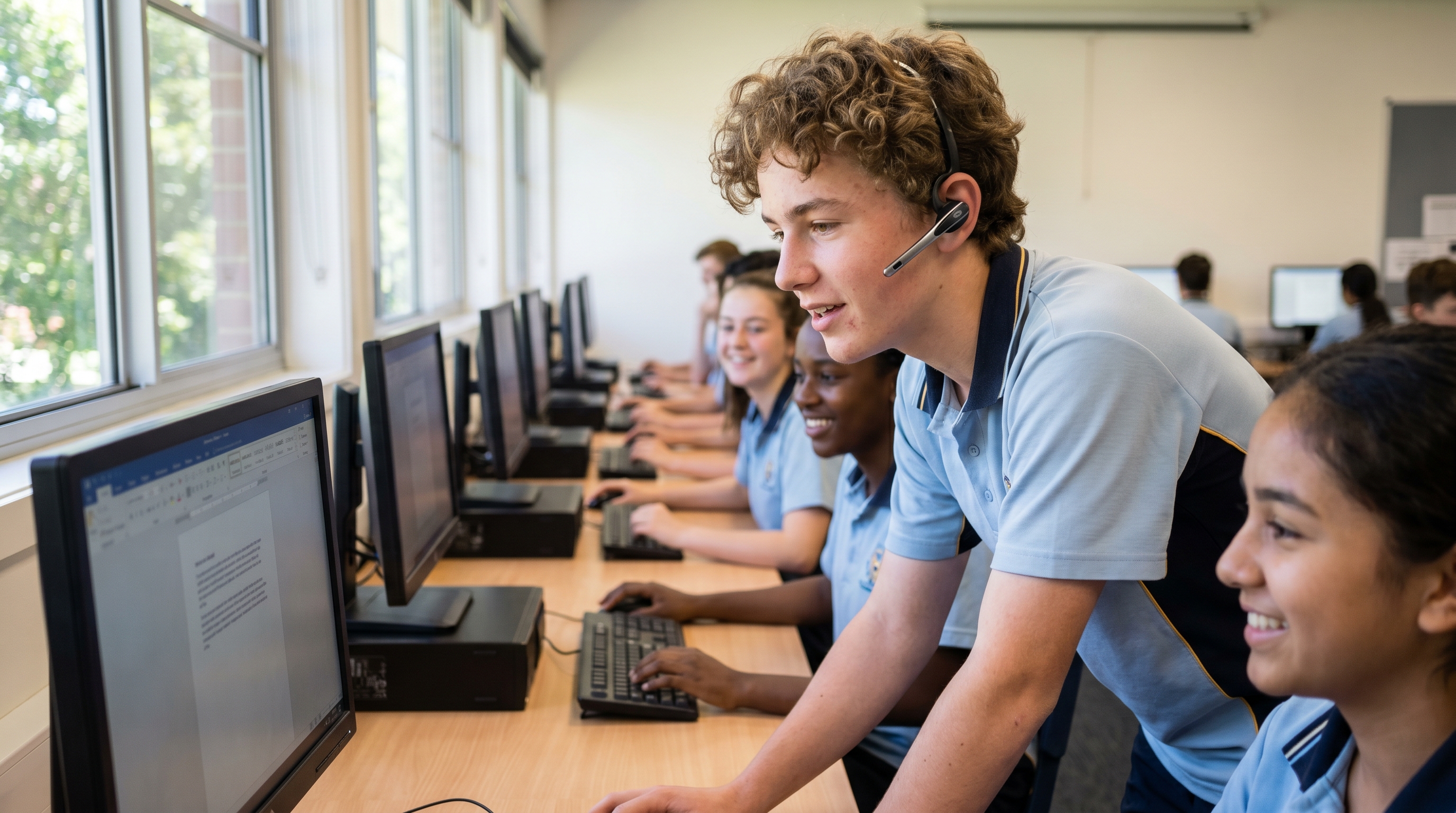
Students use speech recognition when writing is the bottleneck, not the thinking. A student may understand the content and be able to explain it aloud, but handwriting, spelling, typing speed, or working memory get in the way of putting it on the page. Writing research shows that the mechanics of transcription can consume mental effort that would otherwise go into ideas and structure, which is why some students produce noticeably longer, more complete answers when they dictate.
For these students, speech recognition is not a shortcut. It is a way to show what they actually know.
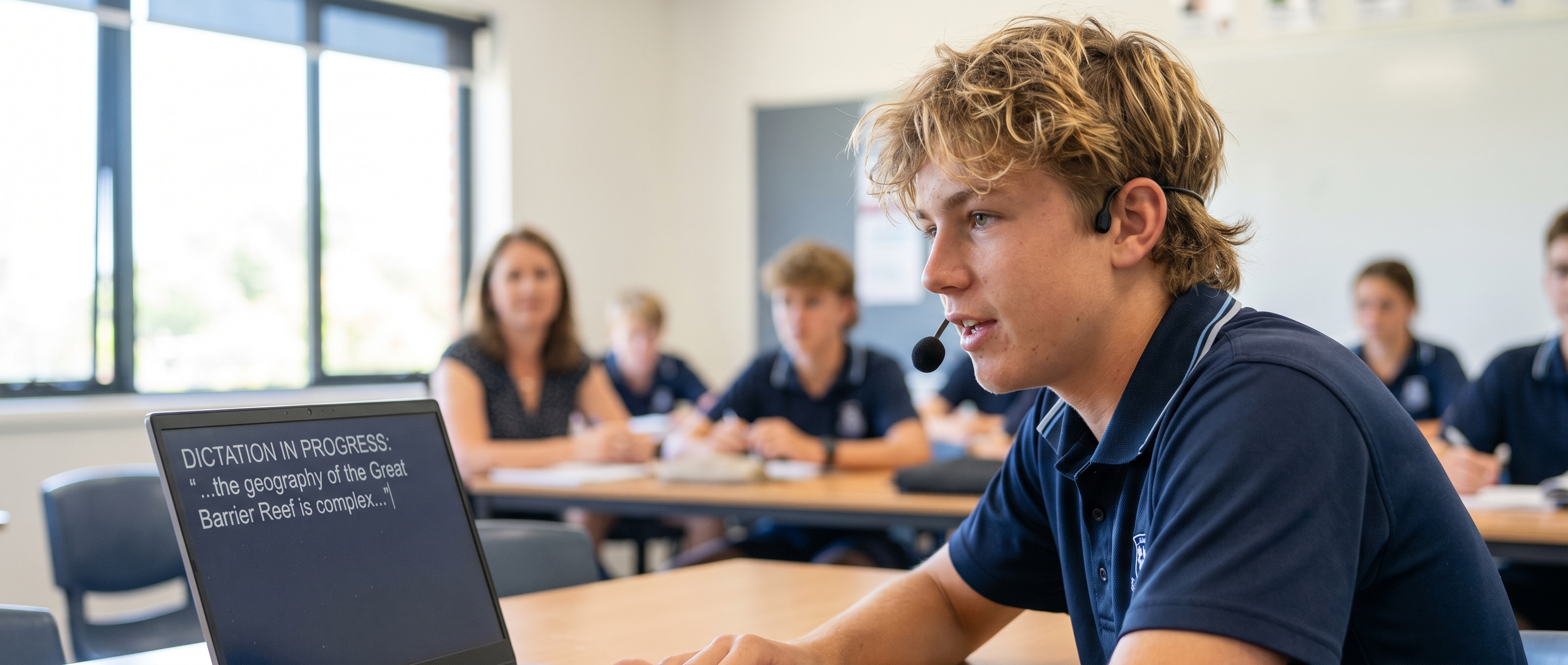
The best-supported group in research. The ideas are there; letter formation, spelling, and writing speed are the barrier.
Studies report students producing longer text with fewer spelling errors when dictating rather than handwriting.
When spelling, typing, and holding ideas in memory all compete at once, dictation can free up attention for the actual answer.
Conditions like developmental coordination disorder, cerebral palsy, and juvenile arthritis can make handwriting slow, tiring, or painful. Dictating reduces the physical load.
A broken arm should not stop a student completing assignments.
No diagnosis required. Some students simply express ideas better aloud.
Students typically dictate essays and extended responses, homework drafts, revision notes, and research summaries, directly at the cursor in Word, Google Docs, OneNote, or any Windows app. No special workflow and no copy-pasting between tools.
Most schools set students up with a simple headset microphone and a reasonably quiet space. Dictation works best when students review and edit what appears on screen, so teachers often pair it with read-back and proofreading as part of normal writing instruction. It supports literacy teaching; it does not replace it.
Speech recognition accuracy improves with age, and research indicates children's speech reaches adult-like recognition levels around early adolescence, which is why secondary students roughly 12 and up tend to get the most reliable results.
Speech Recognition Cloud has passed the South Australian government's security and privacy assessment and is approved for use in schools.
The student and education editions have all AI features disabled. Dictation only. Nothing else.
Schools can register every licence under a single administrator email address, so individual student names and email addresses never enter the system.
Serial-number licensing for large deployments, removing student accounts entirely, and single sign-on (SSO) are in development.

The honest answer: it helps some students considerably, and it works best with the right setup. Studies of students with learning disabilities report longer written work and fewer spelling and mechanics errors when using speech to text, and students often say they prefer it because it is faster and helps them get their thoughts down.
Research also shows it works best when students can review and correct the output. Dictation removes the transcription bottleneck, but writing still takes thinking. Schools comparing options often look for the best speech recognition for students alongside the right training and classroom setup.
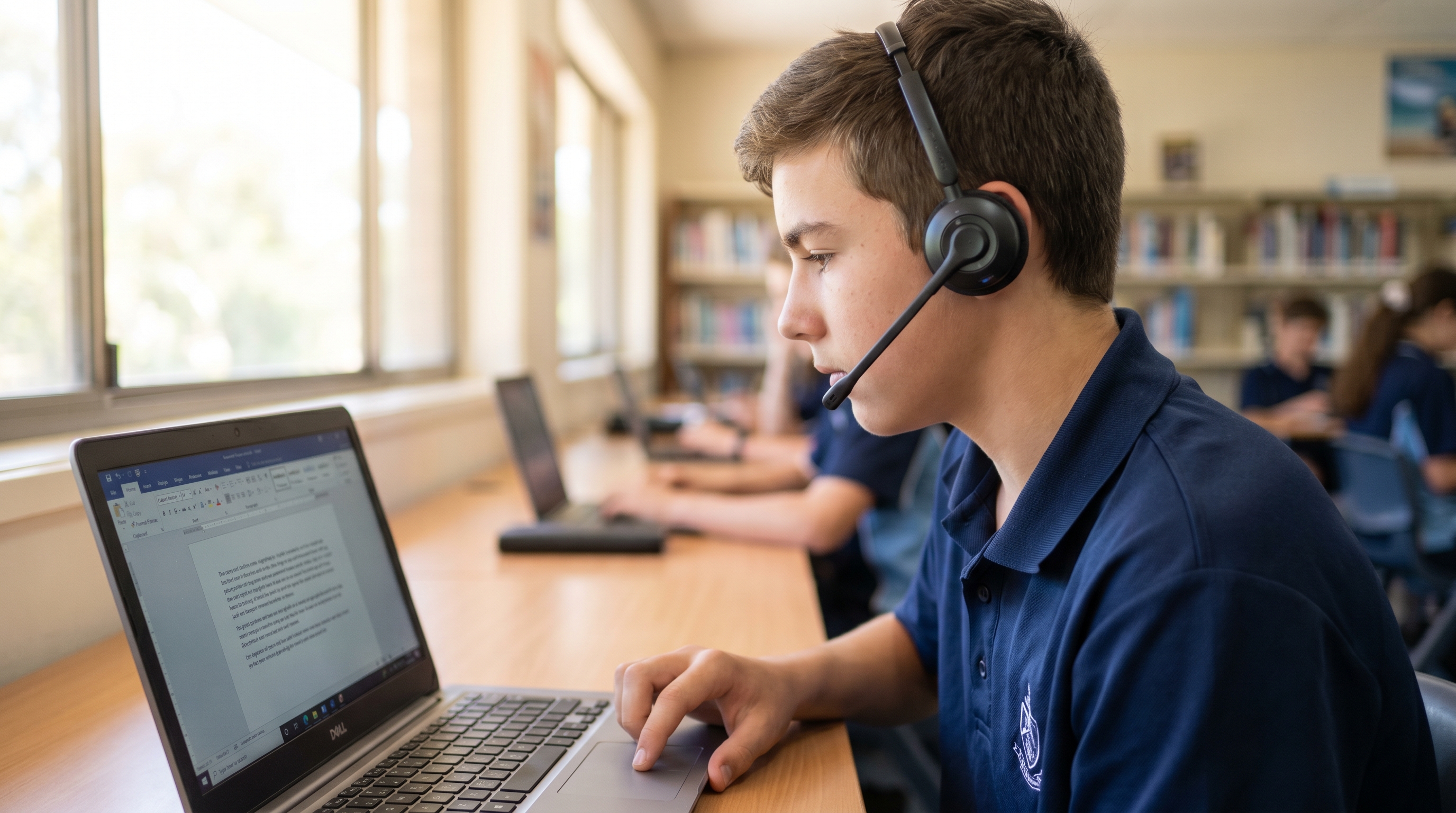
Try free dictation at school or home
20 minutes free per month. The student edition is our Personal plan — $99 USD/year for unlimited dictation. Pricing accurate at time of publication.
There is no separate, cheaper "student tier" to track down. For an individual student, it is the same product as our Personal plan — $99 USD/year for unlimited dictation.
Setting up more than one student — a class, a year level, or a whole school? We offer better pricing through site licensing and education pricing for multiple users or multiple computers. Get in touch and we will put together a quote.
Contact us for school pricingRecognition accuracy improves with age. Research indicates children's speech reaches adult-like recognition levels around early adolescence, which is why secondary students roughly 12 and up tend to get the most reliable results.
No. It supports written output while schools continue normal literacy and writing instruction. Dictation works best when students review and edit what appears on screen.
The student and education editions have AI features disabled. Schools can register every licence under a single administrator email address so individual student names and emails never enter the system.
Access arrangements for exams and standardised tests are decided by schools and assessment authorities, and rules vary between assessment systems. Check with your school or exam authority.
A Windows 10 or 11 laptop or desktop. A simple headset microphone is recommended, and a reasonably quiet space helps accuracy. No voice training is required.
Ask about school deployment, volume licensing, or the education edition.
